Delete your account from the app
Account deletion is available directly from your Profile settings and can be completed without contacting support.
Open your profile
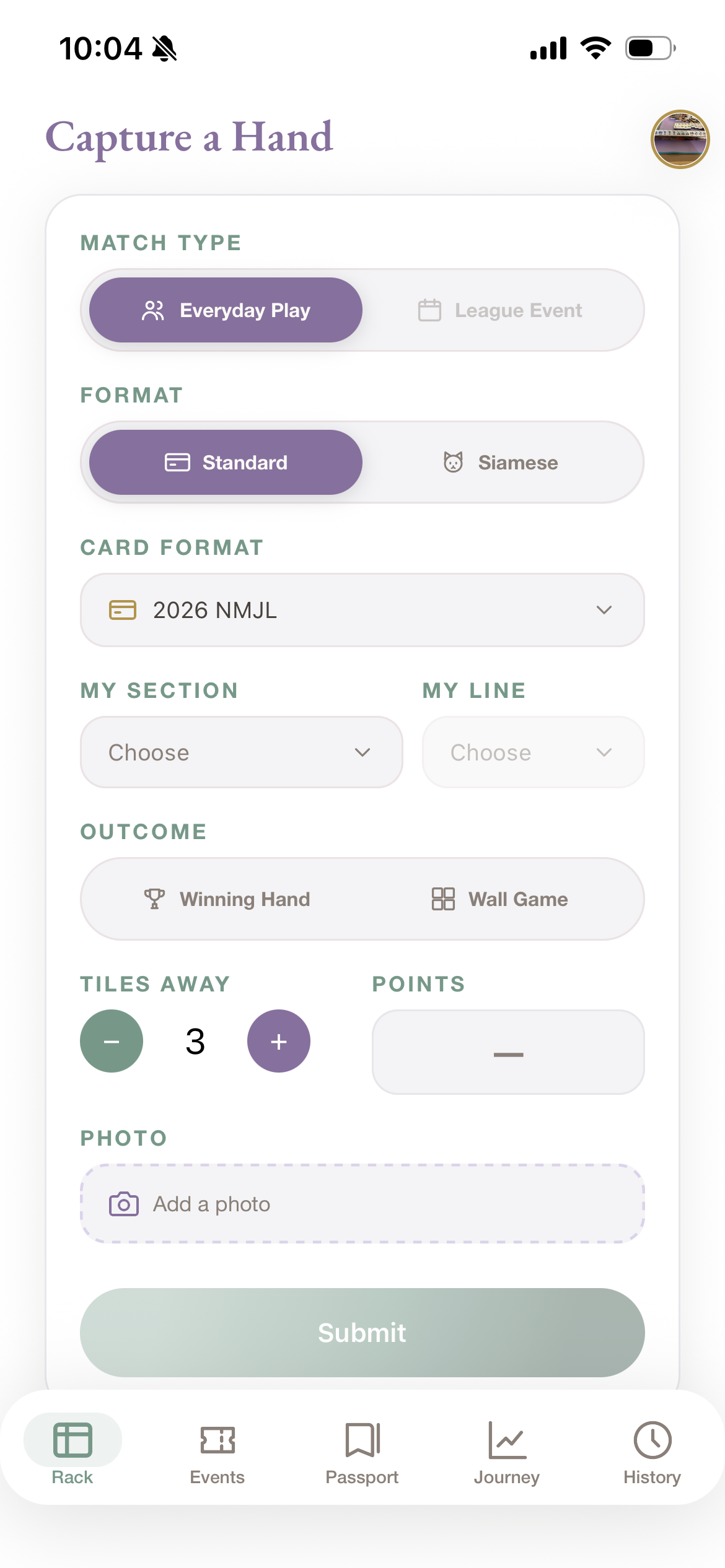
Open MahjPassport and tap your profile icon in the upper-right corner of any main screen.
Choose Delete Account
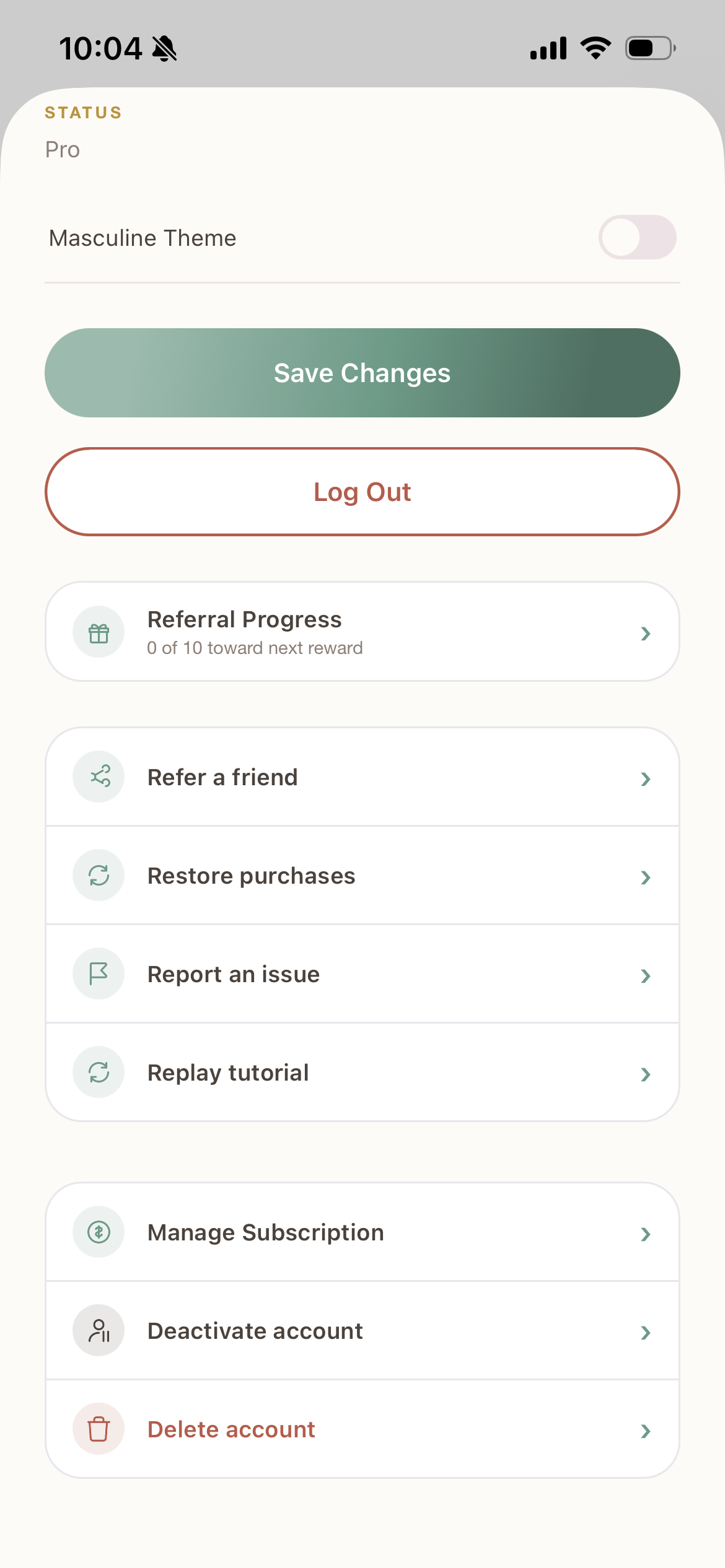
On the Profile screen, scroll down and select Delete Account.
Confirm deletion
Follow the confirmation prompts in the app.
Once confirmed, your account is deleted immediately and you can no longer sign in with it.
Another Option
Don't have the app installed?
Email [email protected] from the address on your account and ask us to delete your account. You don't need to reinstall the app to make this request.
After Deletion
What happens when you delete your account
Immediately
Your login access is revoked right away, and your display name and profile photo are removed.
Photos of your winning hands and any Shared Moments you posted are permanently deleted from our storage and from our independent backup copy.
Your account record
We don't erase the account record itself. It is marked as deleted and permanently barred from signing in again.
We keep it rather than deleting it outright so shared game history stays accurate for other players and to prevent someone from re-registering with the same Apple or Google account to get around forfeited credits or claim a referral reward again.
The email address you signed up with is replaced with a placeholder that is not a real, working email address and does not reveal your name or contact information to anyone else.
Gameplay history
Hands and scores you were part of may be retained as part of shared league or event records so other players' standings and history stay accurate.
They're no longer linked back to your name once your account is deleted.
Sign in with Apple or Google
If you signed in with Apple or Google, we attempt to revoke that provider's access when you delete your account.
This isn't always guaranteed to succeed immediately on Apple's or Google's side. If you're concerned it didn't work, contact support below.
Hosting Credits
Any unused Hosting Credits are forfeited, with no automatic refund.
If you'd like to request a refund, use Apple's or Google Play's own in-app purchase refund process.
Active subscriptions
Deleting your MahjPassport account does not cancel an active subscription.
Cancel it separately through your App Store or Google Play subscriptions if you don't want it to renew.
Existing database backups are not retroactively edited when your account is deleted.
A backup created before your deletion may therefore contain information that existed before your account was deleted. Database backups are retained for up to 30 days and then age out through our normal retention process.
A small number of narrow, deliberate exceptions may apply, such as preserving a snapshot of your display name in a moderation report that named your account before deletion.
See the “Deleting Your Account or Data” section of our Privacy Policy for the complete, current list of what may be retained and why.
Need Help?
Questions about account deletion?
Questions about account deletion, or unable to access the app? Email the MahjPassport team.
[email protected]